PeterConnects Version PC2026.01 Release Bulletin
Welcome to the PeterConnects (part of AnywhereNow) Software Technical Release Bulletin.
The purpose of this Bulletin is to update you on the improvements we are making to our software and share with you the latest Change List which has been designed to advise you of all changes made to our products.
Our Technical Release Bulletins are the easiest way for you to keep up to date on the latest improvements to the PeterConnects (part of AnywhereNow) product line and how you can leverage these investments for your customers.
Whenever applicable, the changes described below are also covered by the user manual.
List of Changes:
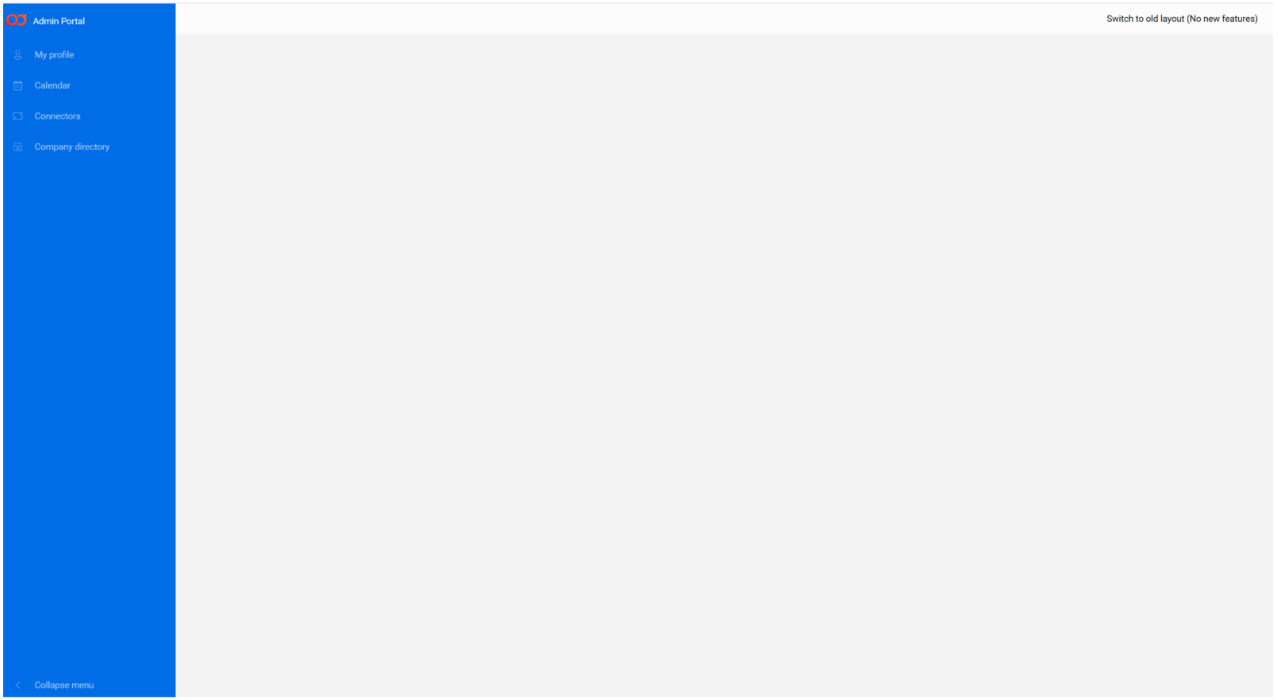
123768: Move Admin portal to new design system
The Admin Portal now adopts the new design system, bringing a more consistent and modern user experience.
With this update, all related configuration components have been aligned with the new design.
88959: Added ability to refresh Omnidir Cache manually through Admin Portal
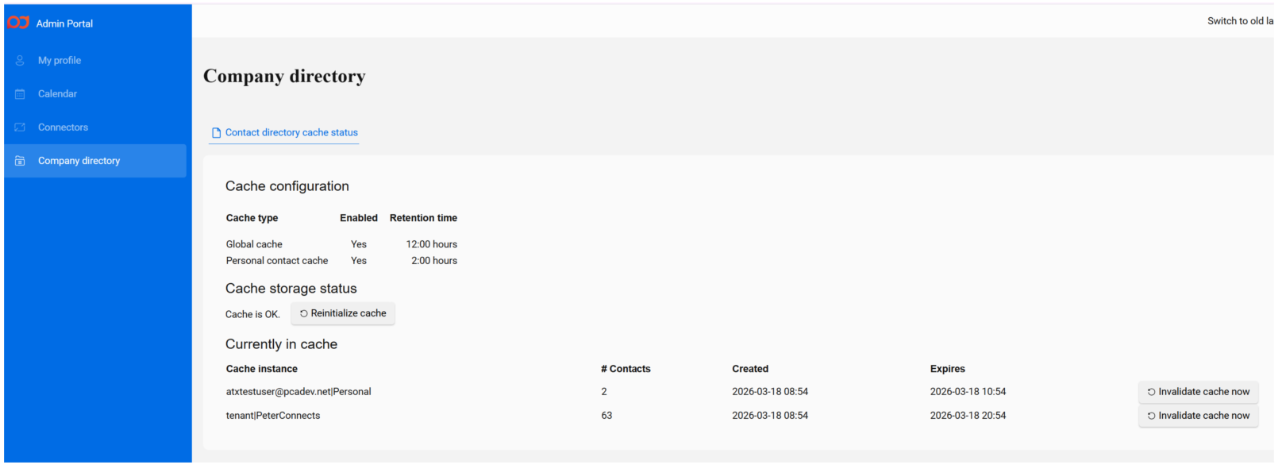
A new Cache Management tab is now available in the Admin Portal, providing clear visibility and control over the status of the OmniDir contact cache.
From this tab, you can:
-
View when each cache entry is scheduled to expire
-
Manually invalidate individual entries or the entire cache
When a cache entry is marked as invalid, it is automatically rebuilt during the next search request. Until the rebuild is complete, OmniDir continues to use the existing cache to ensure uninterrupted and consistent search results.
121655: Search contact notes functionality
-
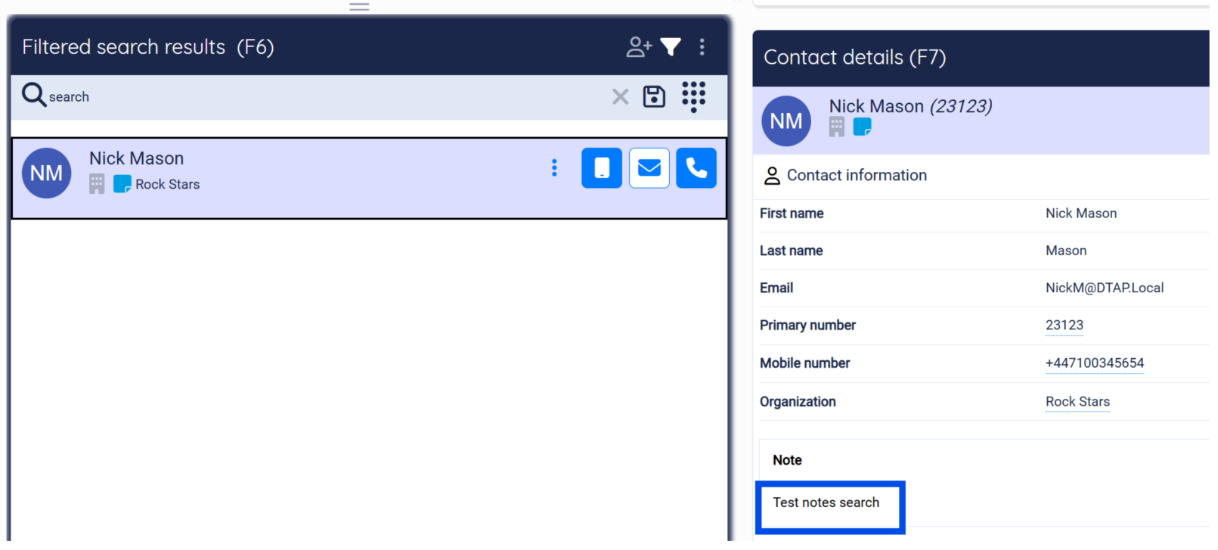
Contact Search via Notes: Users can now locate contacts by searching through the content of notes associated with those contacts. This feature significantly improves the ability to find relevant contacts based on historical interactions or specific details recorded in notes.
-
Real-Time Contact Note Updates:
-
Instant Visibility for All Agents: Contact notes created by one agent are now immediately visible to all other agents without requiring a refresh or re-login.
-
Improved Collaboration: This update enhances team collaboration by ensuring all agents have access to the most up-to-date information in real-time.
-
Automatic UI Refresh: The user interface now automatically updates to display new or modified contact notes across different agent accounts.
98709: Option to select alternative audio output for ringer
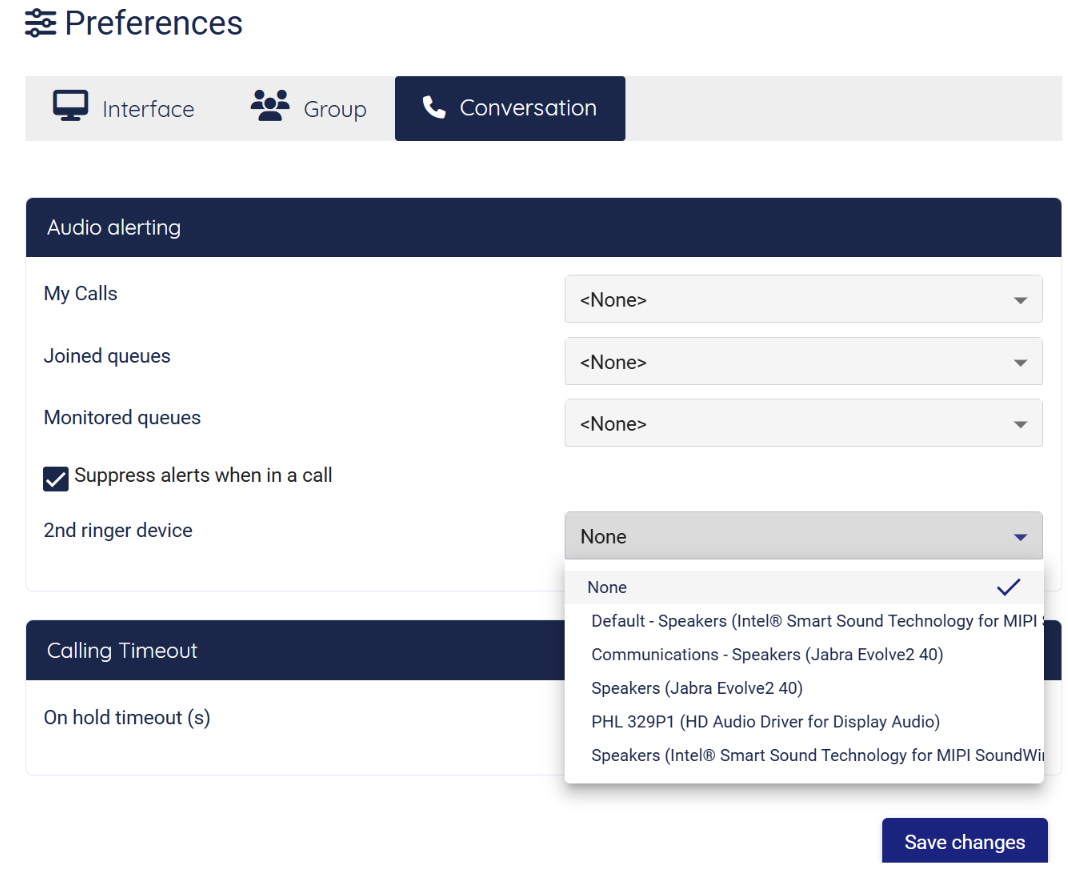
With this new feature, operators can set an alternative audio output for the ringer on “My Calls” under “Audio alerting” in the Preferences. Once selected, the ringer will play on the chosen audio output.
This functionality allows operators to avoid constant focus on the Receptionist and be alerted to incoming calls by the designated audio device.
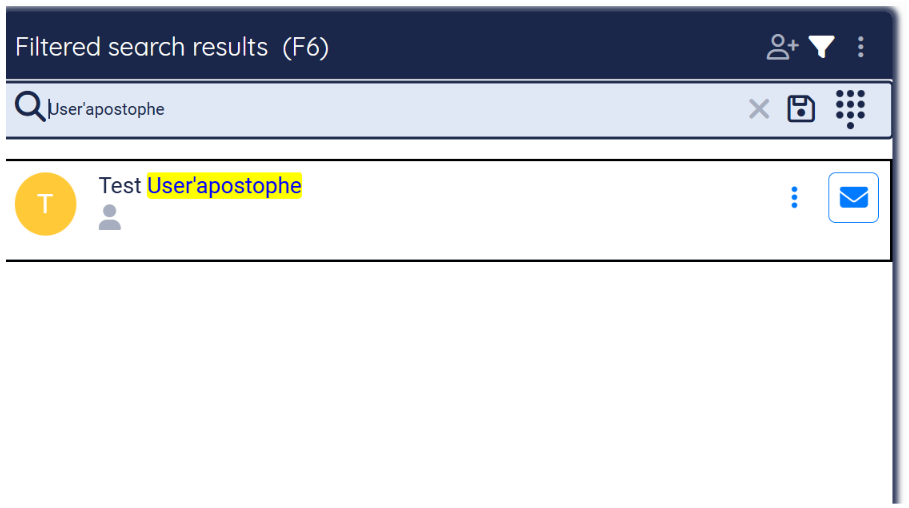
130080: Improved Contact Search for Names with Apostrophes
Contact searches now correctly handle names that include apostrophes. Previously, users were unable to locate certain contacts, such as Siti Waki'ah or Nurul 'Ain, due to limitations in the search functionality.
This issue has been resolved, and searches containing apostrophes now return the accurate, expected results.