Dialogue AI Assist User Guide for Administrators
Introduction
The Administrator oversees user access and the feature overview. They have access to all sections of the Dashboard.
Like an Agent, an Administrator may test features in the Playground and Tutorial and may review the Recommendation Studio content in the same way an Editor can.
Because of this we recommend reading the Dialogue AI Assist User Guide for Editors and Dialogue AI Assist User Guide for Agents to learn about these options.
In addition, the Administrator has access to the Administration section, where they can manage user access.
Accessing the Deepdesk Dashboard:
To access the Deepdesk Dashboard, please go to the following URL: https://[account].deepdesk.com. Please note that the exact URL is unique for your organization's. For the exact URL, please reach out to your AnywhereNow representative.
Administrator's Deepdesk Dashboard
The main role of an Deepdesk Administrator is to manage the users, change permissions and handle access requests.
Users
The Users section will provide you with an overview of all Active and Inactive users.
Managers may Add Users or Revoke Access for users that leave or change roles.
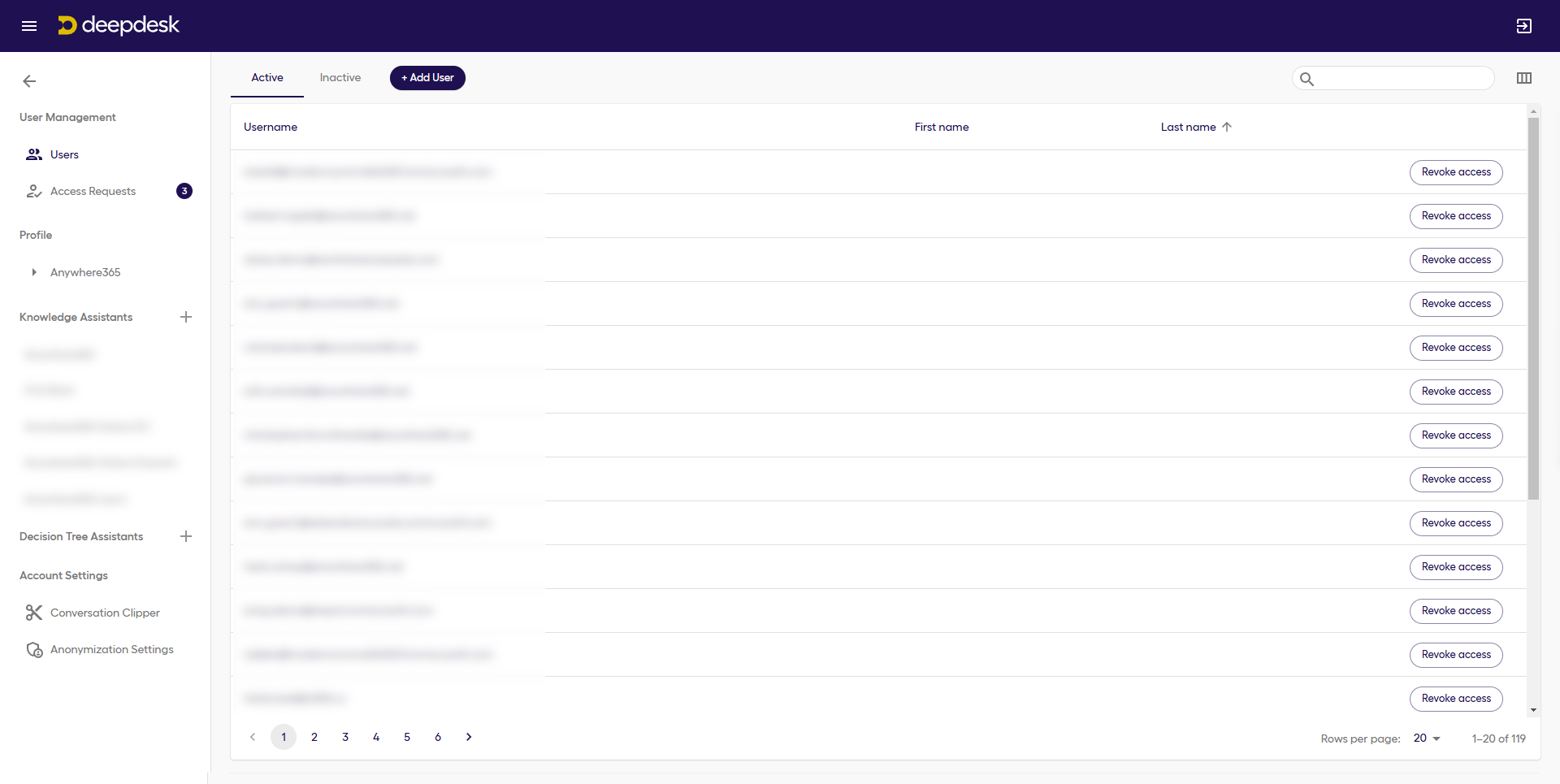
New users will always get ‘Agent permissions’ within Dashboard.
Access Requests
If a new user requests access through Passwordless login (Magic Link) and they are not yet known as a user, an Access Request will be created.
All Administrators will receive an email indicating that a user has requested access. The user’s Access can be accepted or denied.
If you no longer want to receive Access Request emails, you can change your email Settings in the Profile section.
Note
We recommend making use of less cumbersome sign-on methods, like Single Sign-On (SSO) for User Management purposes.
Changing Permissions
Your AnywhereNow representative can make changes to a user’s Access Type.