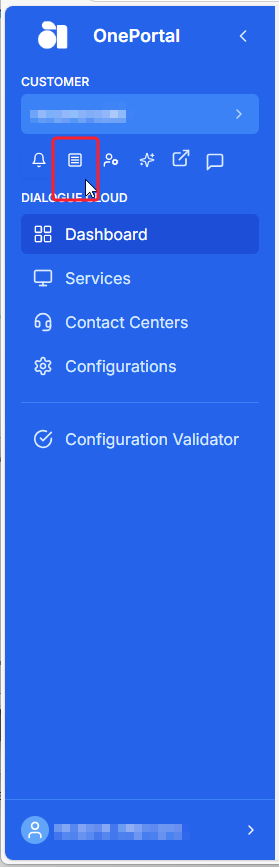
Configuration Validator
Announcement
Anywhere365 Partner Portal has been rebranded and rebuilt as AnywhereNow Formerly known as Partner Portal. A redesigned web portal for managing Dialogue Cloud deployments.
Read more
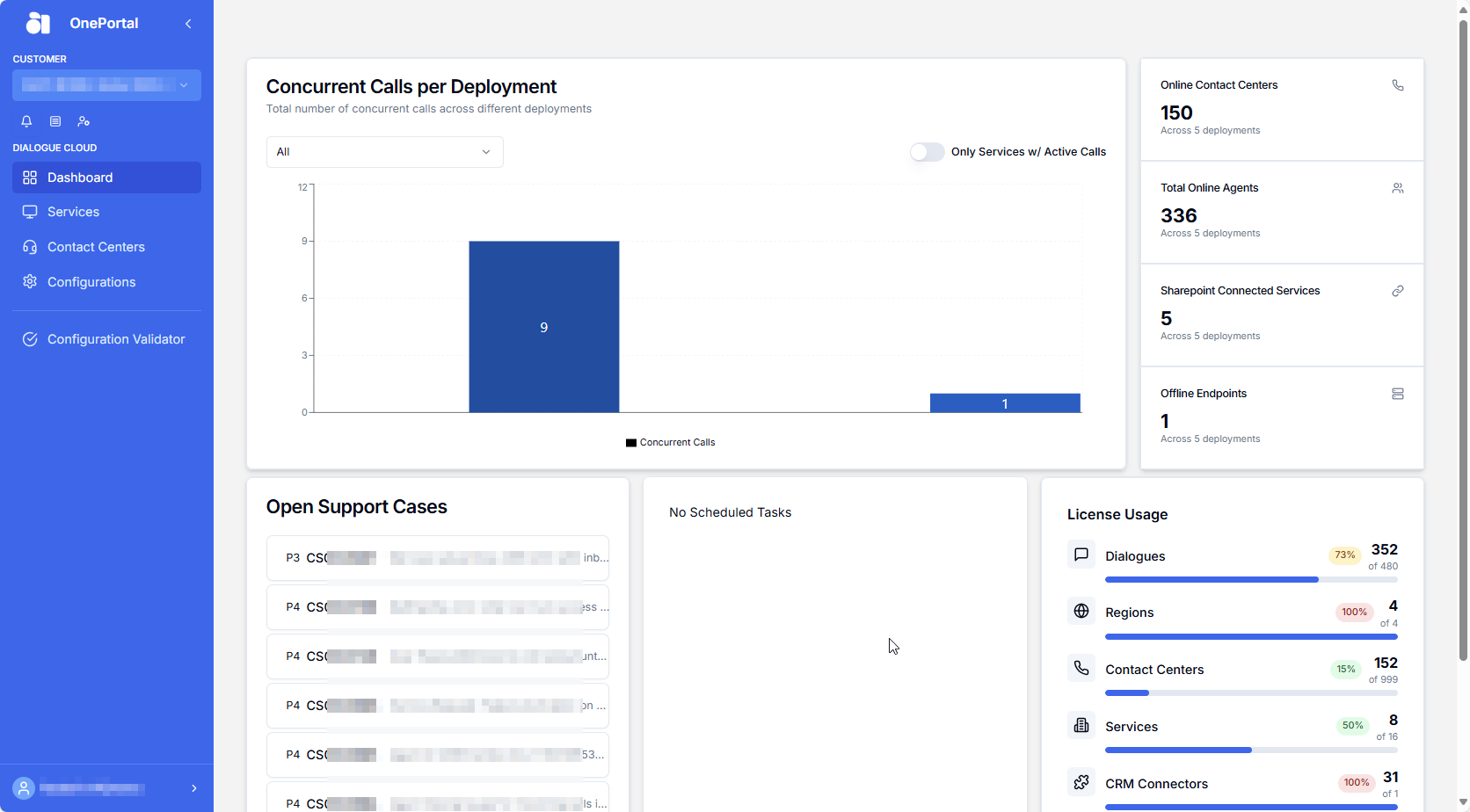
OnePortal and has gone live on 17-04-2025. Updated documentation and screenshots will be added over the coming weeks. All menu's and options of Partner Portal can still be found in OnePortal albeit in a slightly different place or look and feel.
*New* For a listed overview of Video Tutorials on various actions available in OnePortal, see: Overview OnePortal Video Tutorials
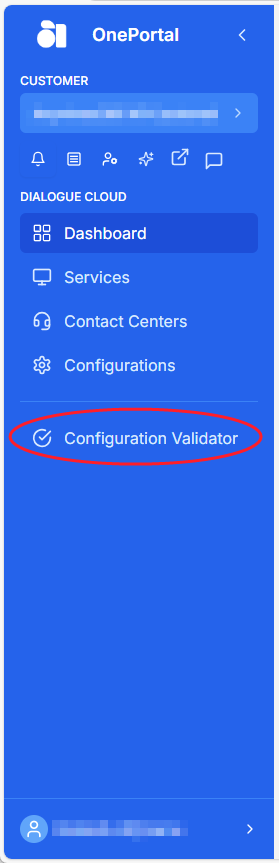
If you wish to check that Dialogue Cloud has connectivity to either your customer SharePoint, SQL or Graph services, please select:
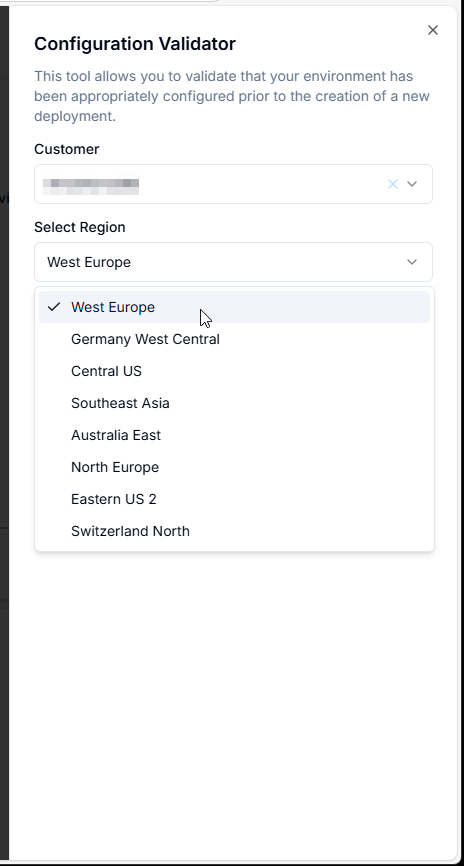
Please select your customer and their service region:
Please then select which connectivity you wish to test:
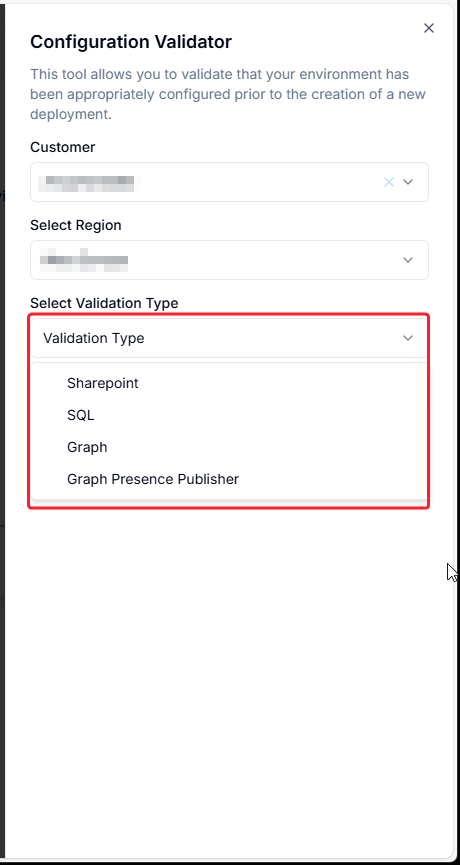
SharePoint validation
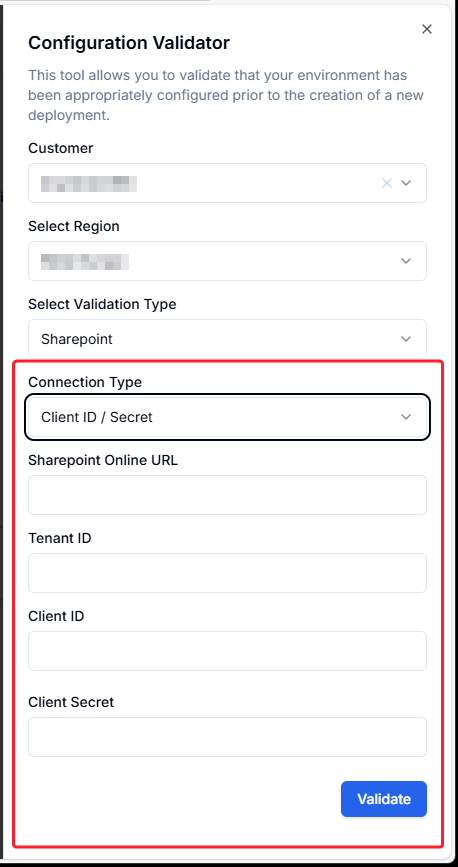
ClientId/Secret validation
Please fill in the SharePoint online URL, Tenant ID, Client IDand Client Secret and then select Validate:
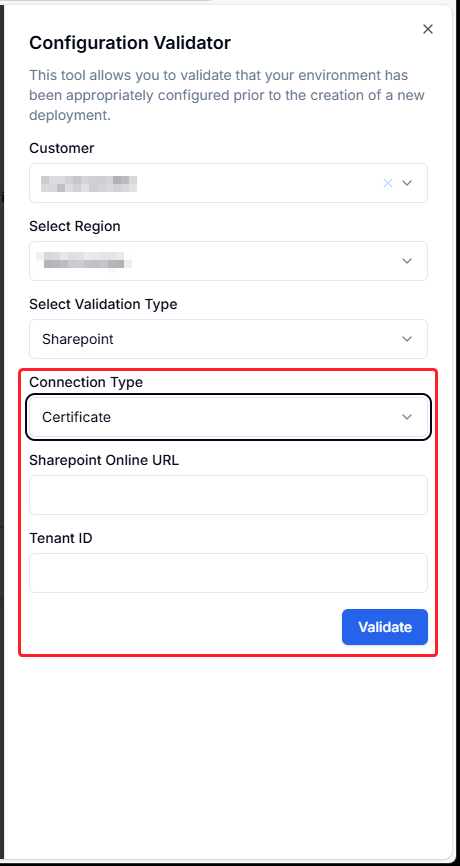
Certificate validation
Note
This can only be done after the your SharePoint A Unified Contact Center, or UCC, is a queue of interactions (voice, email, IM, etc.) that are handled by Agents. Each UCC has its own settings, IVR menus and Agents. Agents can belong to one or several UCCs and can have multiple skills (competencies). A UCC can be visualized as a contact center “micro service”. Customers can utilize one UCC (e.g. a global helpdesk), a few UCC’s (e.g. for each department or regional office) or hundreds of UCC’s (e.g. for each bed at a hospital). They are interconnected and can all be managed from one central location. Site(s) have been added to the Regional Dialogue Cloud Enterprise App by Granting permission to Multiple Sites - Powershell Script
Please fill in the SharePoint online URL and the Tenant ID and then select Validate:
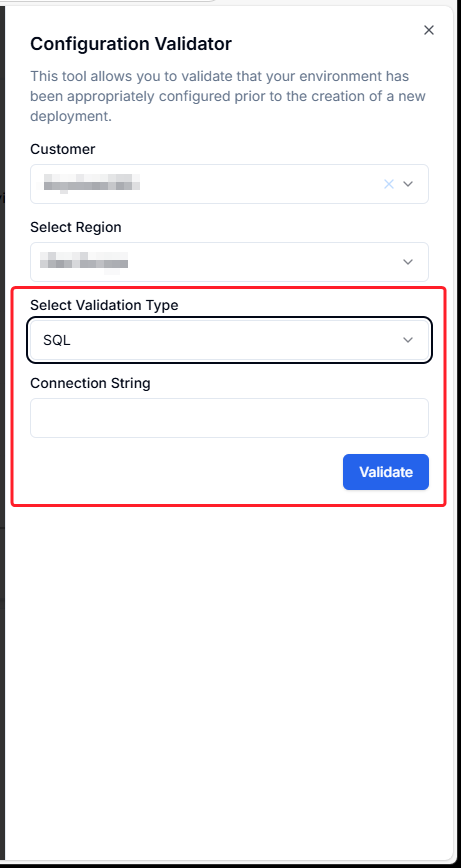
SQL validation
For SQL connectivity testing, please fill in the SQL connection string and click Validate.
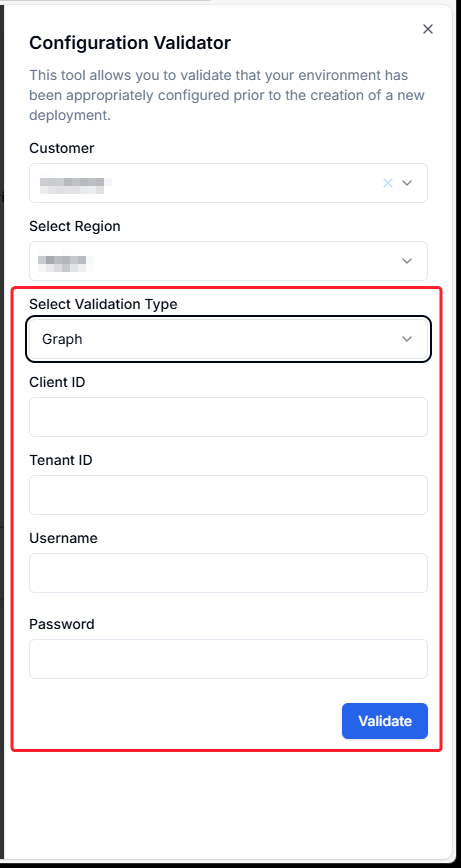
Graph (Presence Collector - Get)
For the Graph (Presence Collector - Get) application fill in the Client ID, Tenant ID, Username and Password and then select Validate:
Note
Validation for Application authentication using Client ID and Client Secret will soon become available
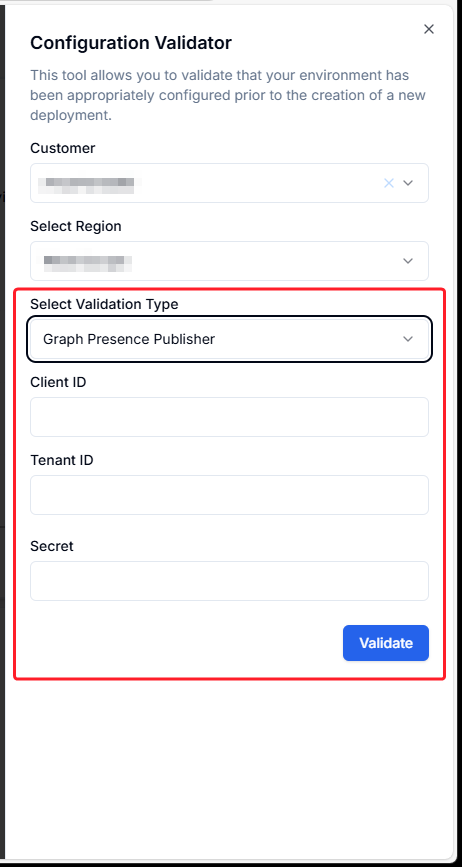
Graph Presence Publisher (Set)
For the Graph Presence Publisher (Set) application fill in the Client ID, Tenant ID and Client Secret and then select Validate:
Validation Status Checker
Please follow the progress of this and all other actions by clicking on: