Configure Click to Dial in ServiceNow
Note
Additional Dialogue Cloud WebAgent and CTI Integration license required.
Introduction
Click-to-dial is a feature that transforms phone numbers or email uri's within ServiceNow into links that dial out when clicked, making the calling process seamless, from web to phone
Add a UI Macro
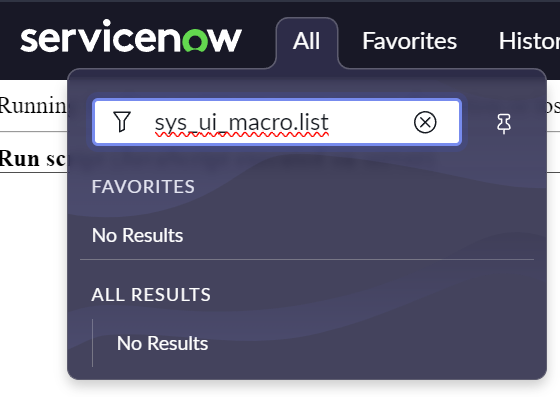
Type in the following in the ServiceNow Filter navigator: sys_ui_macro.list and click Enter.
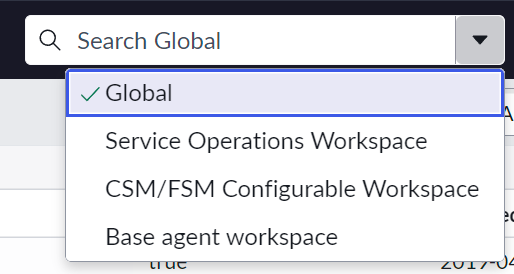
Make sure you are in the Global application / scope. (You can also validate it during the creation)
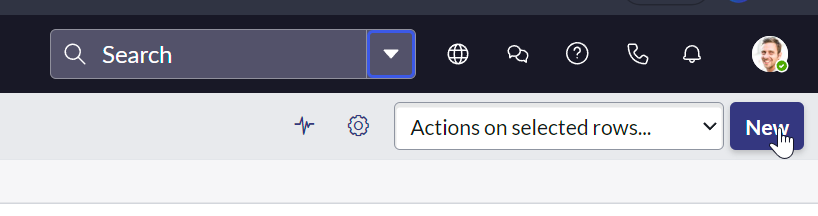
Next, click on the ‘New’ button.
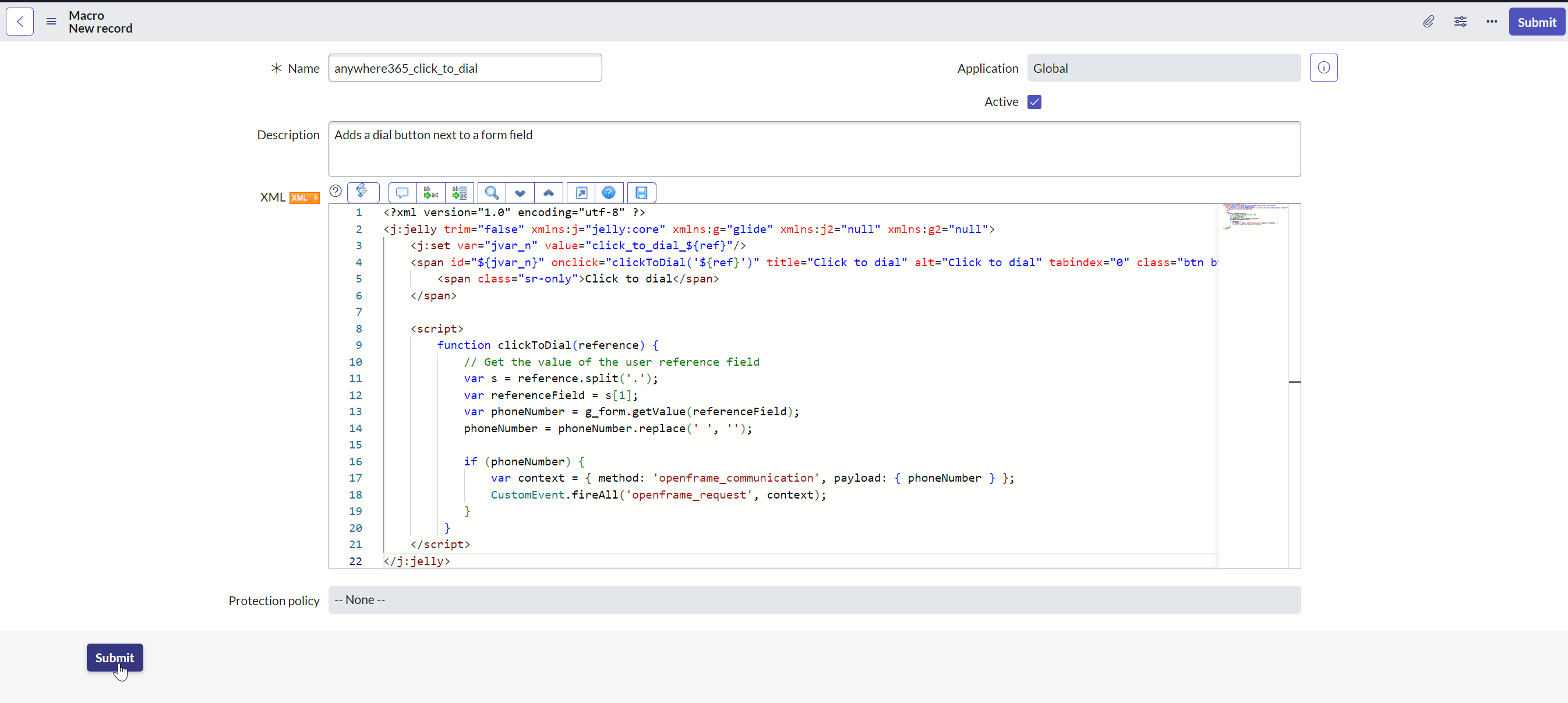
In the form, fill in the following values:
-
Name: anywhere365_click_to_dial
-
Description: Adds a dial button next to a form field
-
XML:
XML<?xml version="1.0" encoding="utf-8" ?> <j:jelly trim="false" xmlns:j="jelly:core" xmlns:g="glide" xmlns:j2="null" xmlns:g2="null"> <j:set var="jvar_n" value="click_to_dial_${ref}"/> <span id="${jvar_n}" onclick="clickToDial('${ref}')" title="Click to dial" alt="Click to dial" tabindex="0" class="btn btn-default icon-phone"> <span class="sr-only">Click to dial</span> </span> <script> function clickToDial(reference) { // Get the value of the user reference field var s = reference.split('.'); var referenceField = s[1]; var phoneNumber = g_form.getValue(referenceField); phoneNumber = phoneNumber.replace(' ', ''); if (phoneNumber) { var context = { method: 'openframe_communication', payload: { phoneNumber } }; CustomEvent.fireAll('openframe_request', context); } } </script> </j:jelly>
Click on the Submit button
Add a click to dial attribute to phone fields
Type in the following in the ServiceNow Filter navigator: sys.scripts.do and click Enter.
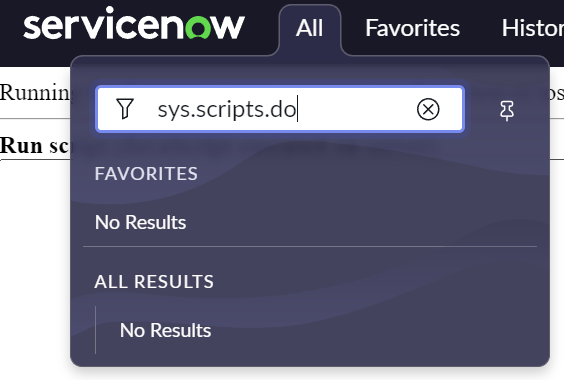
Make sure you are in the Global application / scope.
Enter the content of the following JavaScript in the Run script section.
var vTableName = 'sys_user'; // User table
var vFieldType = 'ph_number'; // Field type Phonenumber
var vAttribute = 'ref_contributions=anywhere365_click_to_dial';
var vDryRun = true; // set this to false when you're ready to do the change

// Do Not Modify below this line

bulkUpdateTableAttributes(vTableName, vFieldType, vAttribute, vDryRun);

function bulkUpdateTableAttributes(pTableName, pFieldType, pAttribute, pDryRun) {
    var gr = new GlideRecord('sys_dictionary');
    gr.addEncodedQuery('name=' + pTableName + '^element!=NULL' + '^internal_type=' + pFieldType);
    gr.query();
    var bUpdate = false;
    gs.print('Start updating field attributes on table ' + vTableName);
    gs.print('=================================================================');
    while (gr.next()) {
        var vAttributes = gr.attributes;
        var nLength;
        if (vAttributes) {
            nLength = vAttributes.length;
        } else {
            nLength = 0;
        }
        if (nLength == 0) {
            // There are no other attributes, just set it
            gr.attributes = pAttribute;
            bUpdate = true;
        } else {
            // Attributes is not empty, check to see if we have it set already:
            if (vAttributes.indexOf(pAttribute) == -1) {
                // The attribute is not set, so append it:
                gr.attributes = vAttributes + ',' + pAttribute;
                bUpdate = true;
            } else {
                // The attribute is set; do nothing
            }
        }
		gs.print('Start updating attributes of field ' + gr.element + ' to ' + gr.attributes + ' (sys_dictionary.do?sys_id=' + gr.sys_id + ')');
        if (!pDryRun) {
            if (bUpdate) {
                gr.setWorkflow(false);
                gr.update();
                gs.print('Field ' + gr.element + ' was updated');
            } else {
                gs.print('Field ' + gr.element + ' already has attribute ' + vAttribute + '. No update required.');
            }
            gs.print('=================================================================');
        }
        bUpdate = false;
    }
    if (pDryRun) {
		gs.print('=================================================================');
		gs.print('This was a test run and nothing was updated. To start updating, change var vDryRun to false (var vDryRun = false;) and run the script again.');
    }
}
Change the value of var vDryRun to false (when value is set to true, it will only execute a test run) and click on the Run script button.
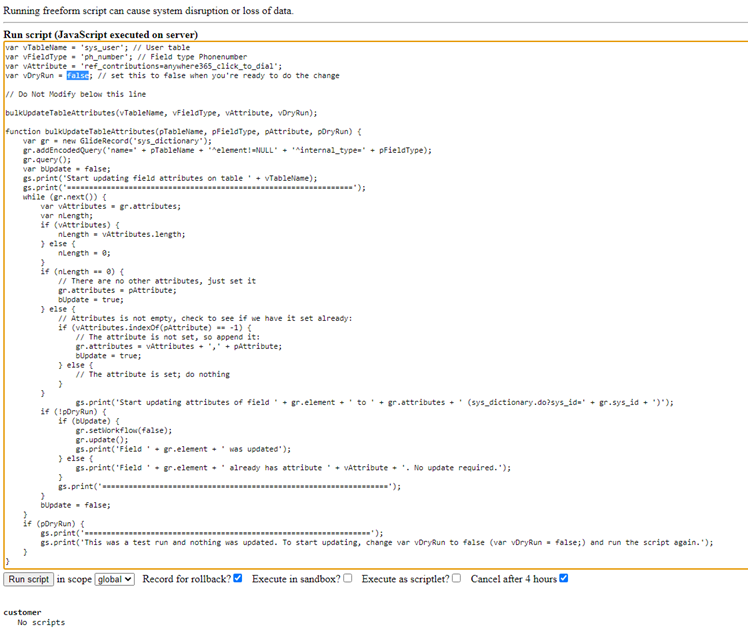
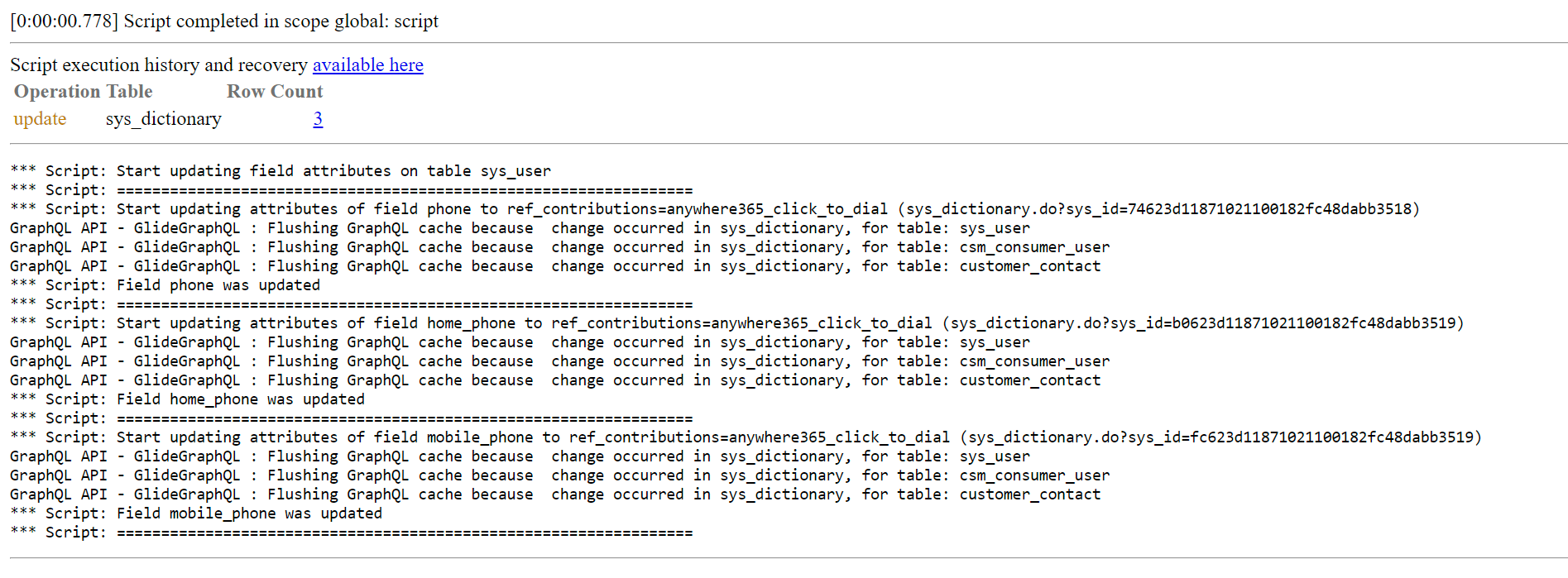
After executing the script, an output like this will be shown: